General settings
Overview
The general settings reflect the basic information about your branch, such as address and contact information. From the left navigation under the Elements menu, select Branches > Manage Branches > Edit Settings for the branch you would like to update. Some fields in the General Settings tab are required; the rest are optional.
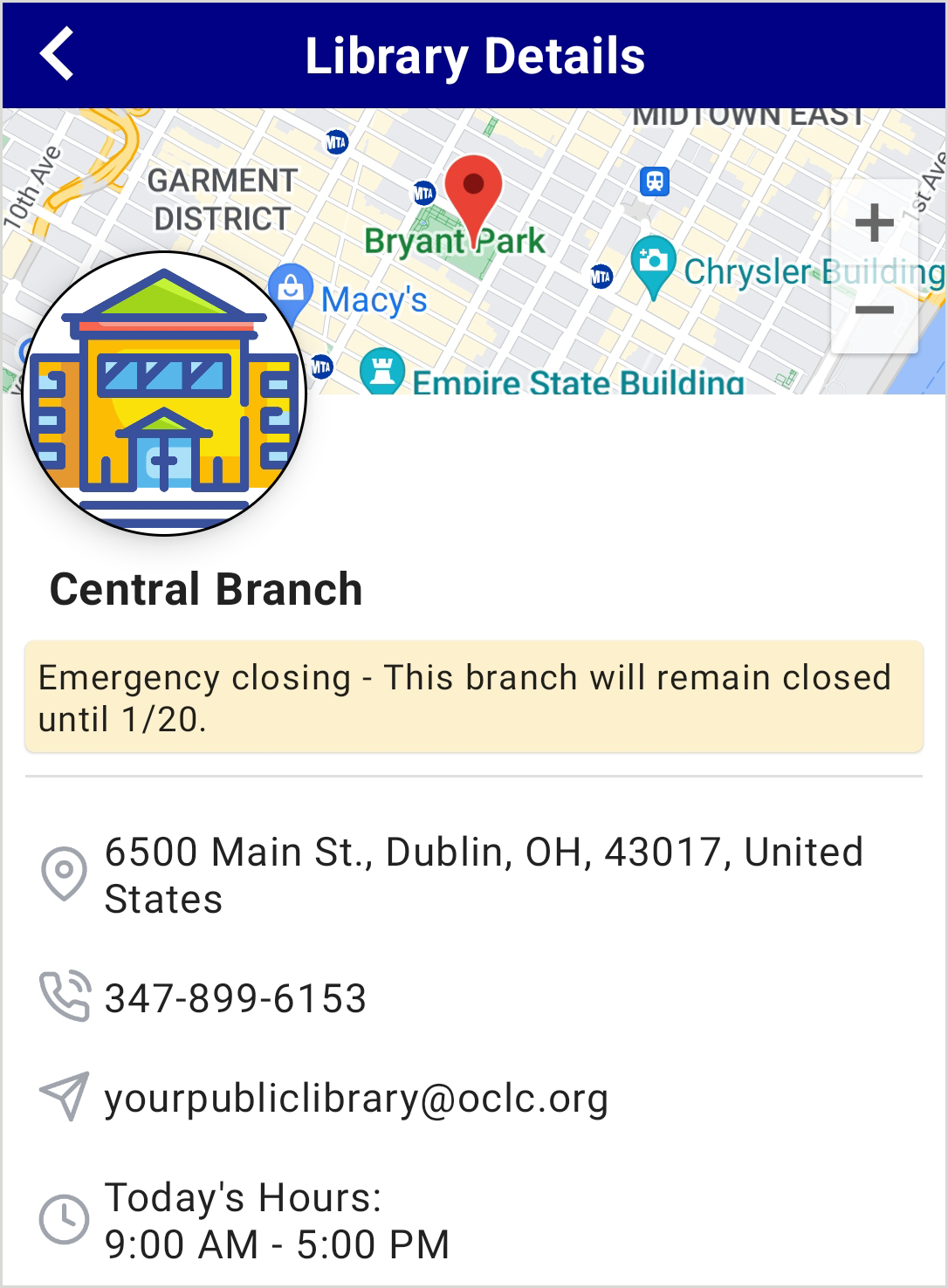
Branch information entered throughout the Branches element will appear on the Library Details page for the branch in the app.
 Building accessibility
The building accessibility setting allows you to specify the physical accessibility of your library branches. The selected value will appear to users in the app under a building accessibility label in the branch information section.
There are three accessibility options:
- Not Accessible
- Partially Accessible
- Fully Accessible
Notes about building accessibility:
- Libraries that maintain accessibility information will see that status displayed in both the library information list and the library detail screen within the app.
- Where accessibility is marked as Partially or Not Accessible, your users may choose alternate branches or contact the library for accommodations prior to visiting.
- If a branch record is not updated, no accessibility statement will be shown for that branch in the app.